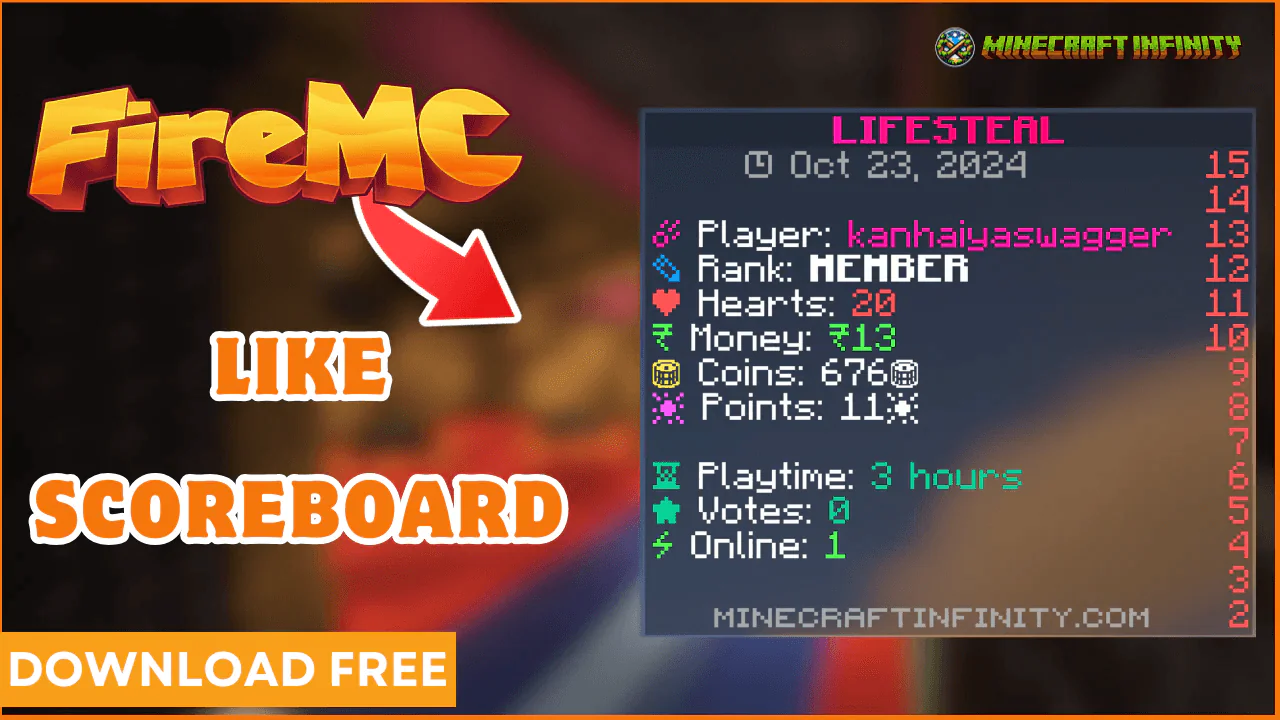
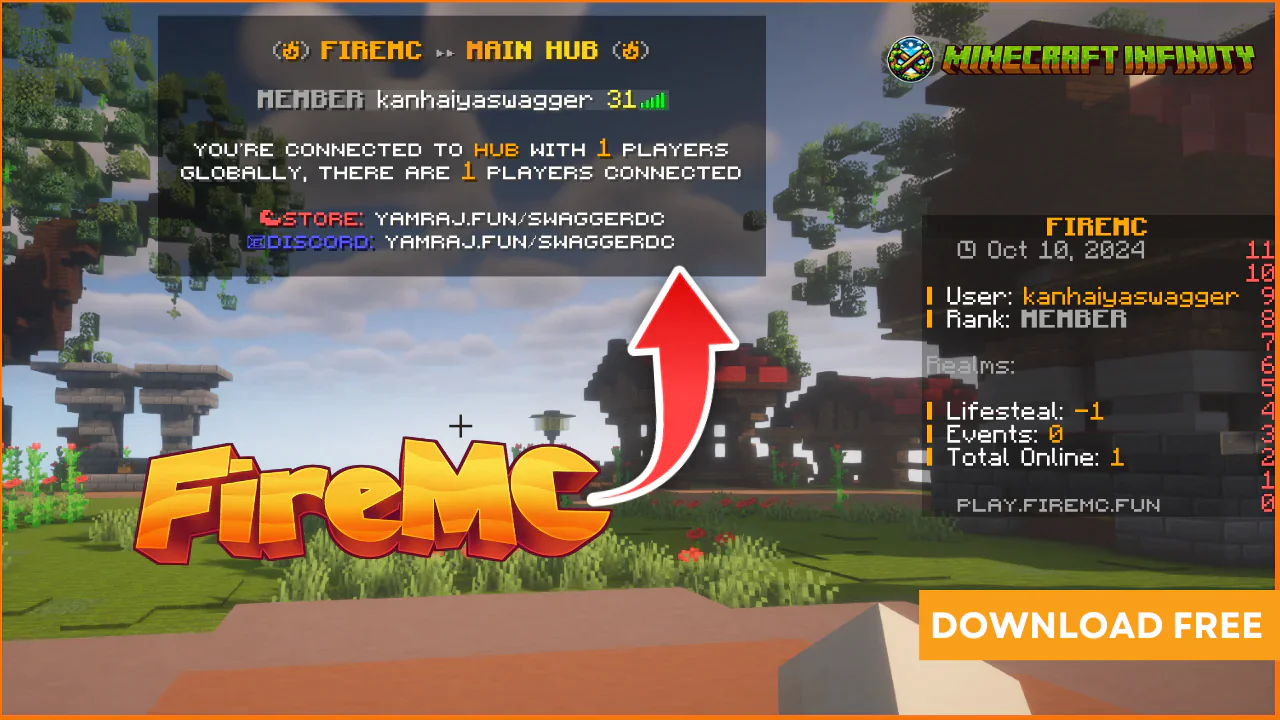
☛ Installation Guide:
1. Download the TAB configuration file.
2. Open it, and begin by copying the contents of it.
3. Replace the current text in your servers' configuration (config.yml) with the text I provided in the config.yml file.
4. Edit placeholders to fit your server.
5. Use /tab reload or restart your server for the changes to apply.
6. Edit animations.yml
7. go on https://www.birdflop.com/resources/animtab/
8. Enter your server name in Input Text
9. Copy the above output
10. Paste it in animations.yml
11. Change logo to ServerLogo
12. Save it
13. Run command /tab reload
Support will be provided for the following
1. Troubles installing the configuration file
2. Any bugs you find within the configuration file
3. Additions/changes you might want to see added to the resource
4. + Anything else you might be struggling with
Join my server: https://discord.gg/2WN4ja3FnK
The author skype28 has offered the item for free, you can now download it.
Published:
Jul 06, 2025 10:50 PM
Version:
v1.0
Category:
Config Category:
Tags:
![Afk Arena [ Schematic ]](https://swaggerbyte.com/files/items/vobdbdxbl2eo/FepyBBCG5ezXIKs_1751875770.webp)